
Choose Location
If we click on the Add button through the Locations for Items screen, a window like the one we can see below will appear:
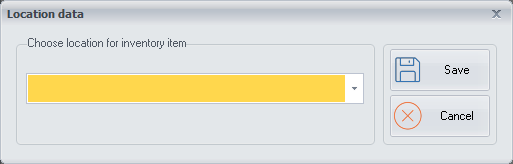
We can choose a location where the inventory item is stored from the drop-down that will be configured through the Inventory Items Location screen.