Getting started
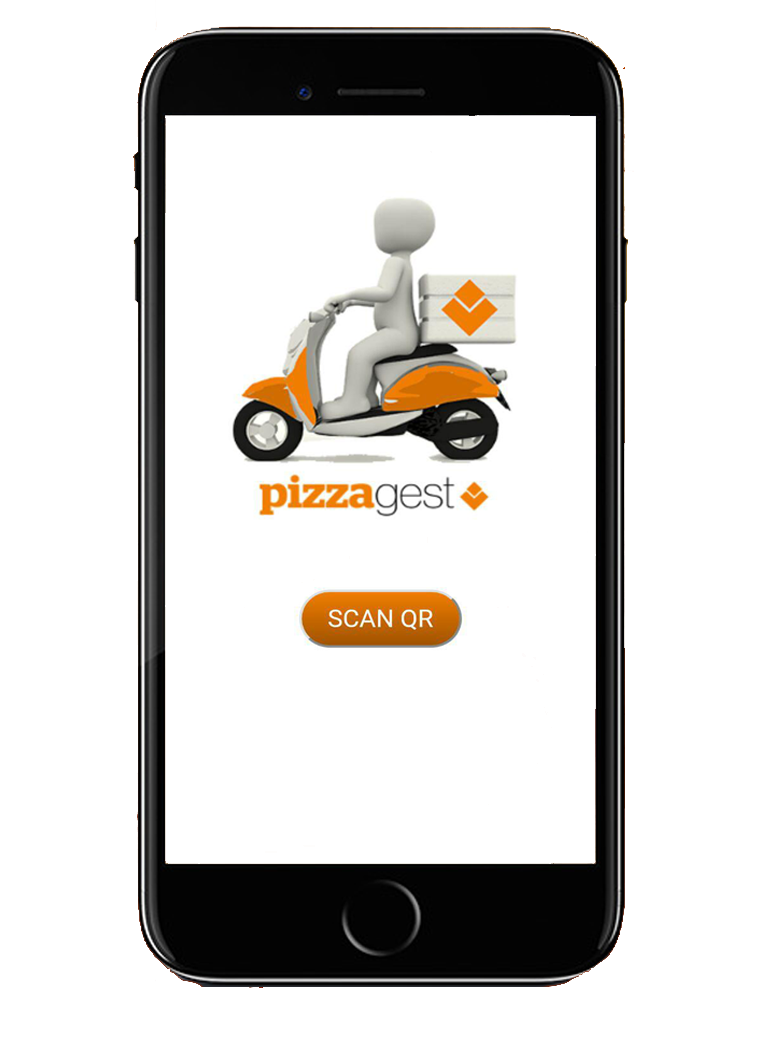
The first time you open Pizzagest Delivery, the app asks for the QR code the store has given you.
Tap SCAN QR.
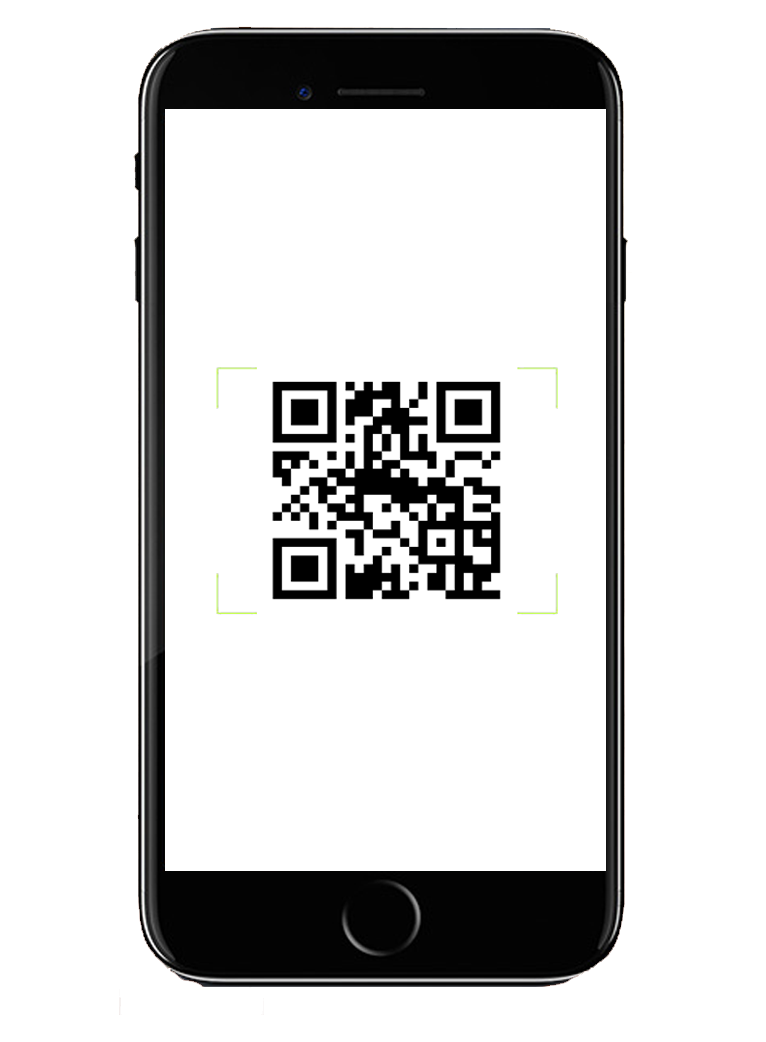
Point the phone's camera at the QR code.
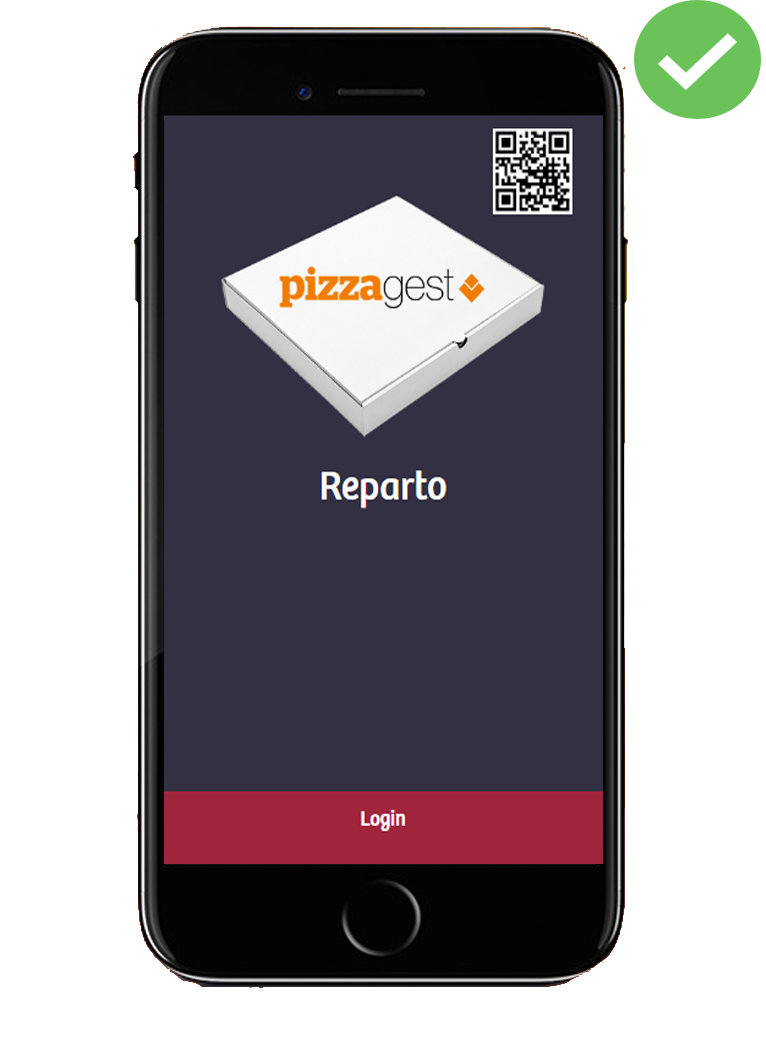
If the code is correct
The app moves on to the next screen, which has two options:
- The QR code in the top right corner: tap it to scan a different code.
- Login, at the bottom: opens the screen where you sign in (see Login).
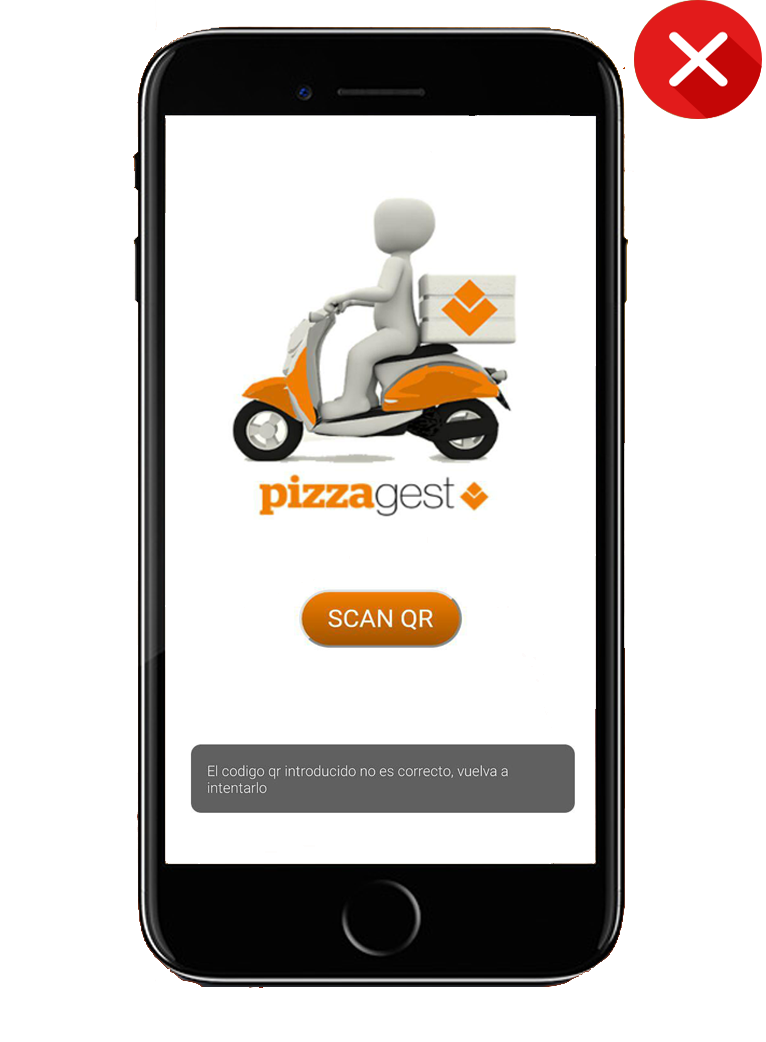
If the code is not correct
The app goes back to the start screen and shows a message saying that the code is not correct and asking you to try again.