
Main screen
The main screen shows whether you are available to receive orders. The large button at the top changes your status, and its text says which status you move to when you tap it.
Offline
You receive no new orders. The button says Online: tap it to start receiving them.
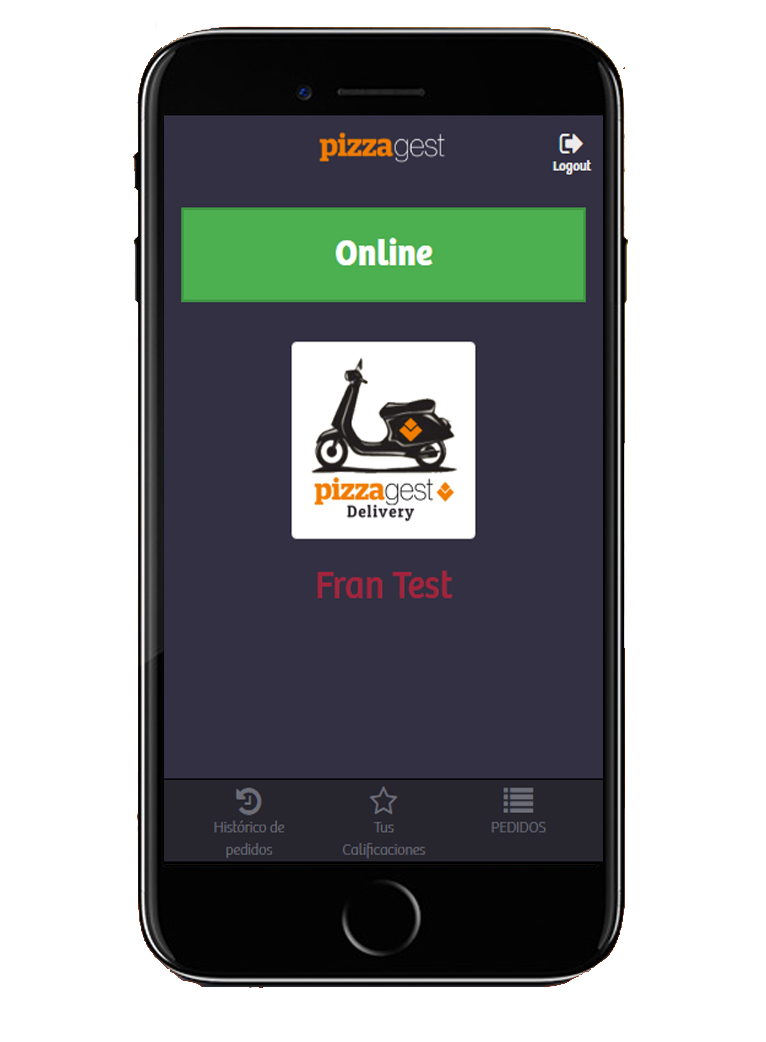
Online
You receive new orders, and the screen shows a map with your position. The button says Offline: tap it to stop receiving them.
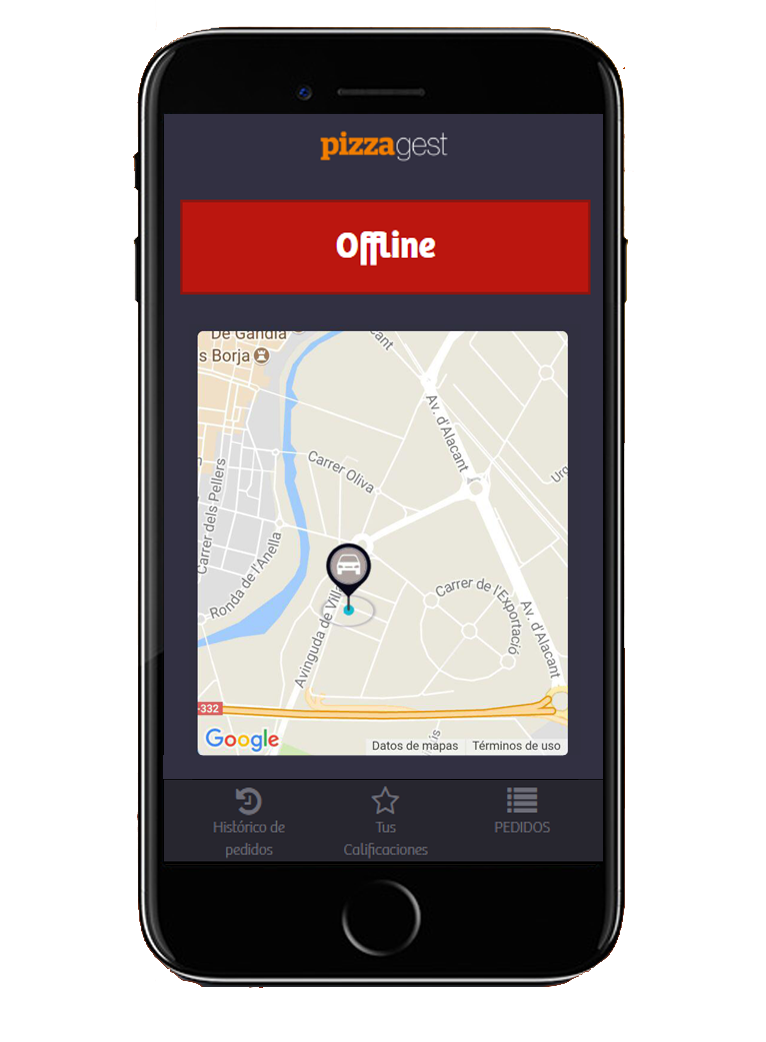
If you are more than 10 km from the store, you do not appear in the hub's list of drivers even if you are online.
The options at the bottom
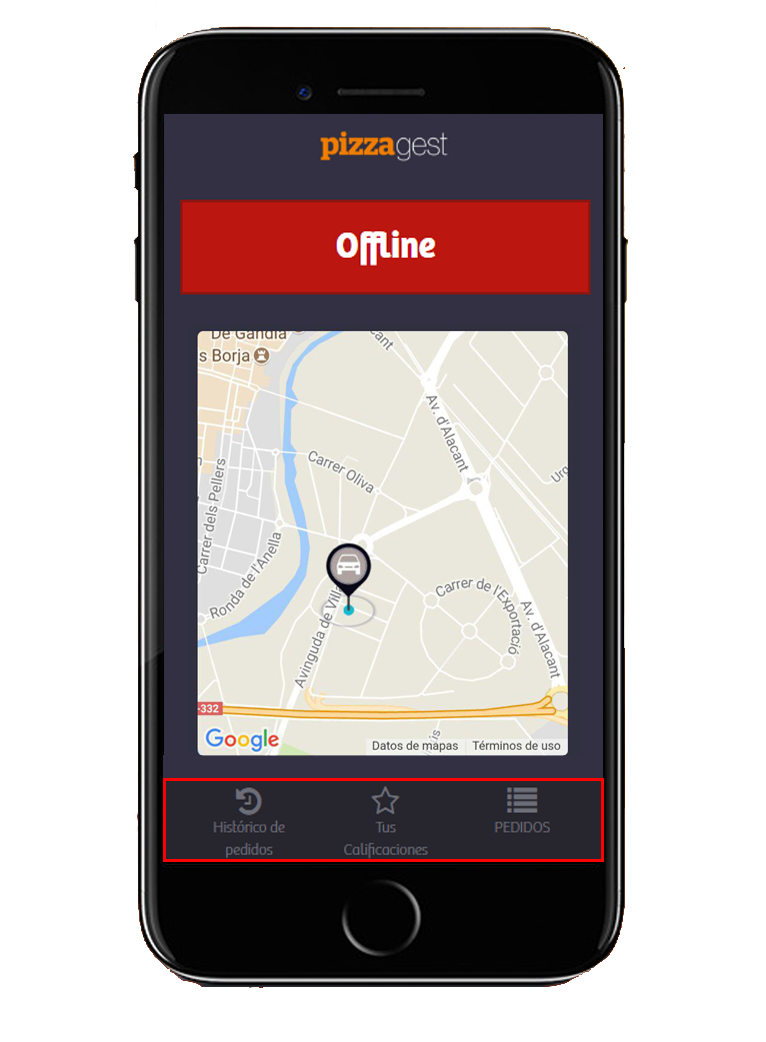
| Option | What it opens |
|---|---|
| Order history | The orders you have delivered (see Order history) |
| Your ratings | The customers' ratings (see Your ratings) |
| ORDERS | The orders assigned to you (see Orders) |