
Order picked up
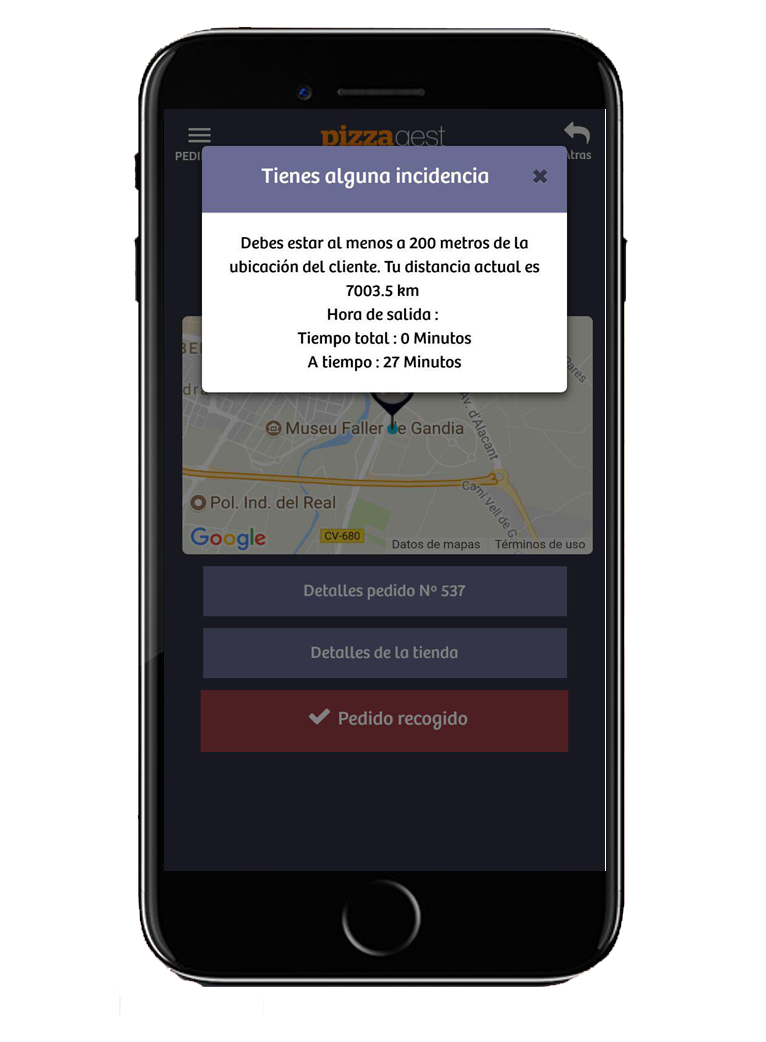
When you pick the order up at the store, tap Order picked up.
It can only be marked within 200 metres of the store. If you are further away, the app shows a warning with the distance you are at.
What changes on the screen
Once the order is picked up, the screen starts guiding you to the customer.
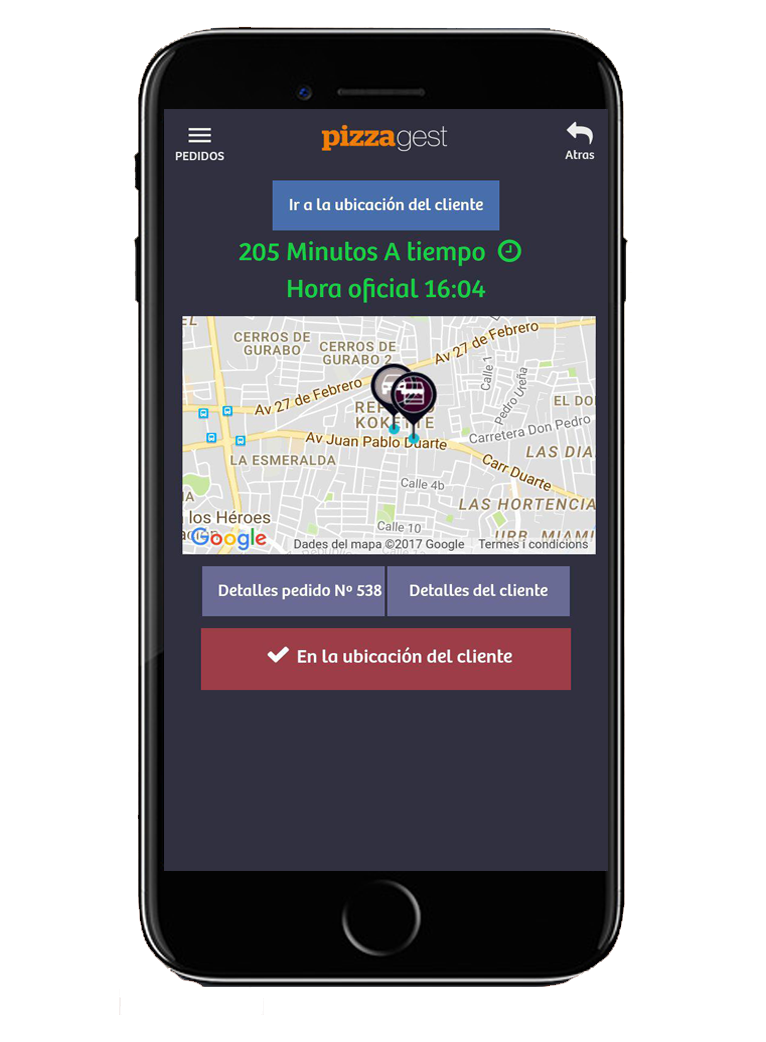
| Button | What it does |
|---|---|
| Go to customer's location | Takes you to the customer's location |
| Order details No. | Still shows what the order contains |
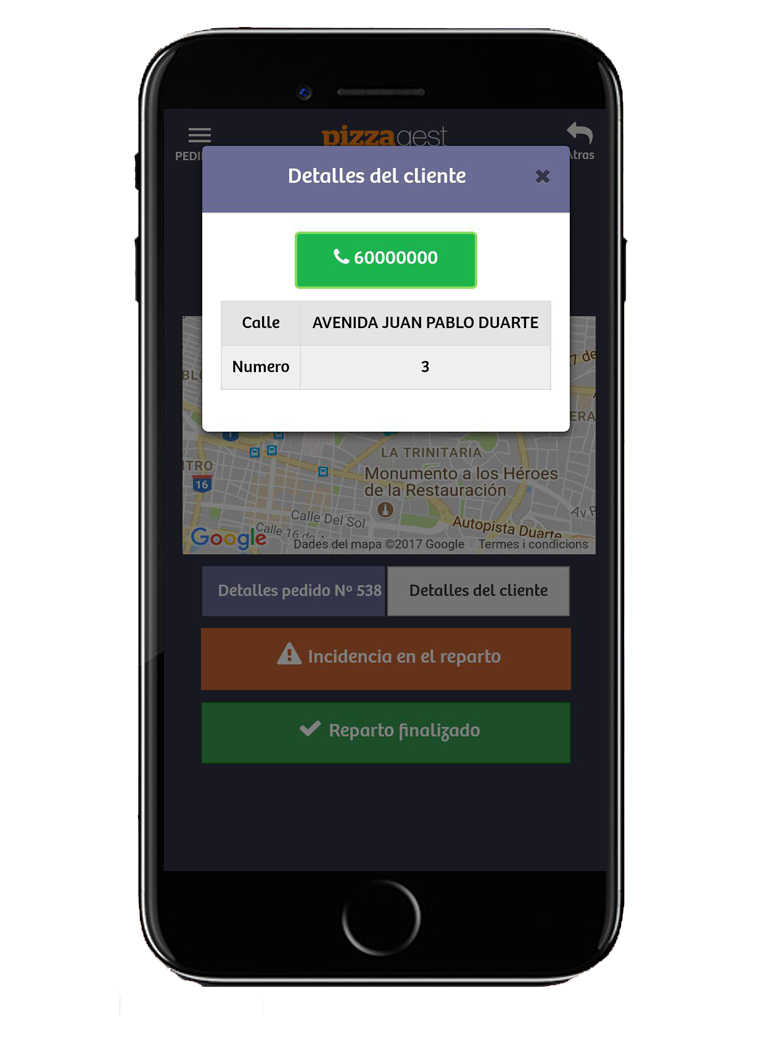
| Customer details | Shows the customer's details |
| At customer's location | Marks that you have arrived at the delivery address |
Customer details
At customer's location
Tap At customer's location when you arrive at the delivery address. It only works within 200 metres of the customer: if you are further away, the app shows the same warning as with the store.