
Login
On the Login screen you sign in as a driver.
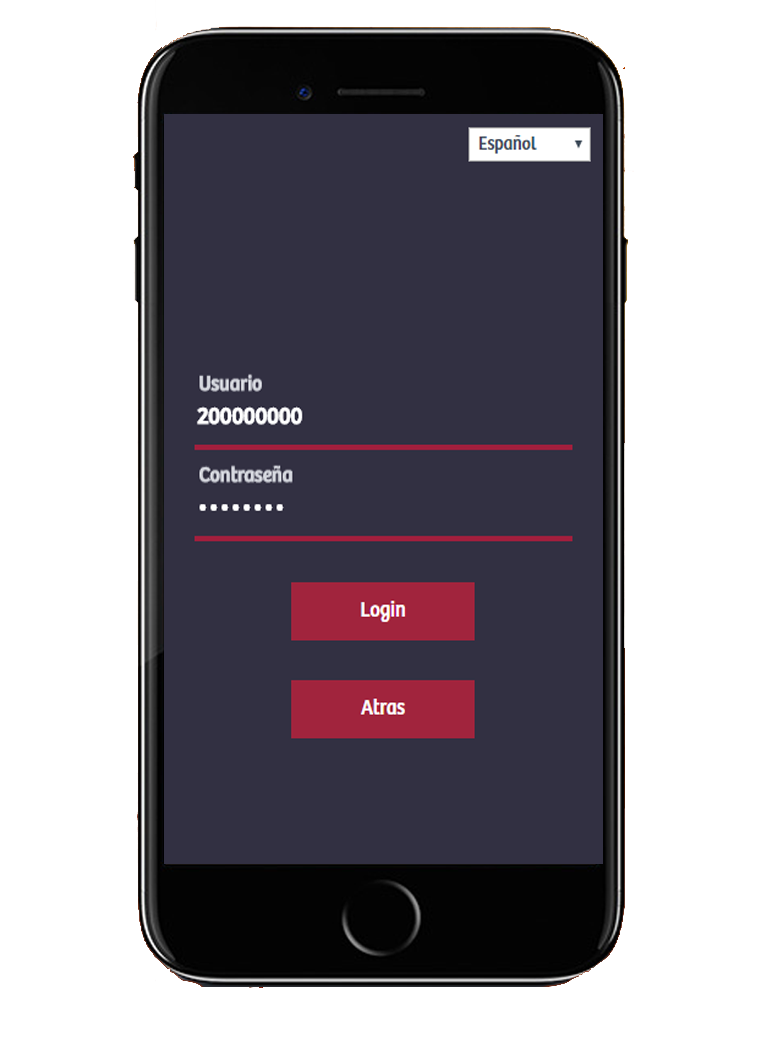
- Language: choose it from the list in the top right corner. This is the only screen where the app's language can be changed.
- User and Password: the same ones you have in PizzaGest as a driver. The store gives them to you.
Tap Login to sign in, or Back to return to the previous screen.