
Add Incident to an Employee
On this screen you record an incident in an employee's record: the date, the incident type and a comment.
How to get here: Add button on the Employee Incident Record screen.
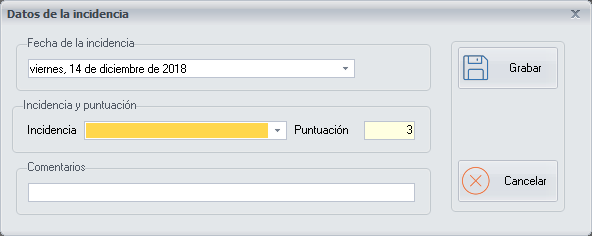
Incident details
- Date: the date of the incident. Choose it from a drop-down list, with the help of the calendar.
- Incident Type: choose it from a drop-down list. The list is configured on the Add/Modify Employee Incidents screen, where the score of each incident is also configured.
- Comments: you can write a short comment about the incident, for any later query.
Buttons
- Save: saves the incident details.
- Cancel: closes the screen without making any changes.