
Choose Zone in Google Maps
On this screen you choose which zone the street you are going to add from Google Maps belongs to.
How to get here: it opens after you choose a street on the Add Street in Google Maps screen.
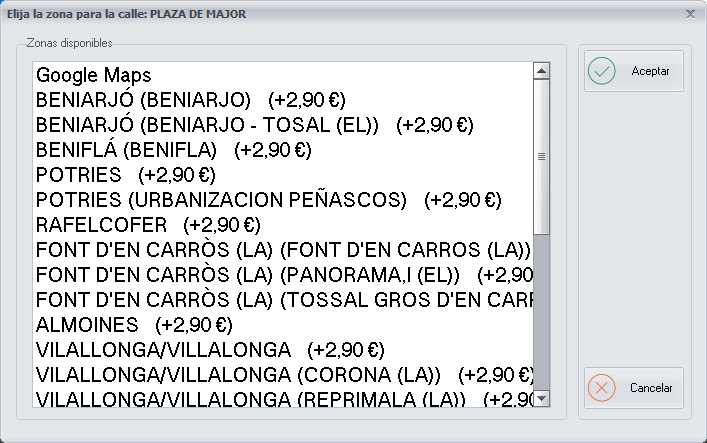
Choosing the zone
This screen shows all the zones of the street map of your branch. Choose the zone the street you are going to enter belongs to and click Ok.
Buttons
- Ok: click it once you have chosen the zone.
- Cancel: closes the screen without making any changes.