
Languages
On this screen you save in other languages the names of the Major Groups, Family Groups, Sales Items, Inventory Items of Family Group, Sales Promotions, Branches, Order Payment Methods and Cancellation Reasons, to use them later in PizzaGest or from the Web.
How to get here: Languages button on the screens of those elements.
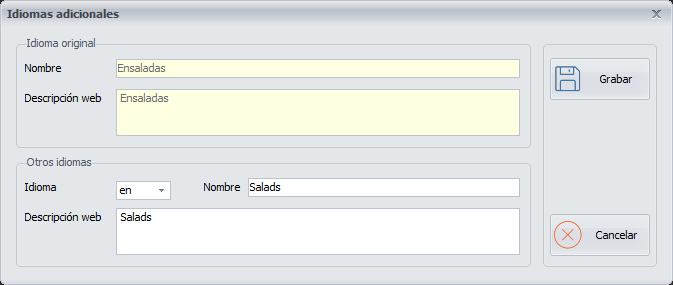
Saving a name in another language
- Choose the language from the drop-down list.
- Type the text in that language in Name and Web Description.
Buttons
- Cancel: closes the screen without saving.