
Pending Messages
This screen shows an employee the message you have left for them.
How to get here: it appears when the employee makes the Clock In/Out, if you have configured a message for one or more employees on the Messages screen.
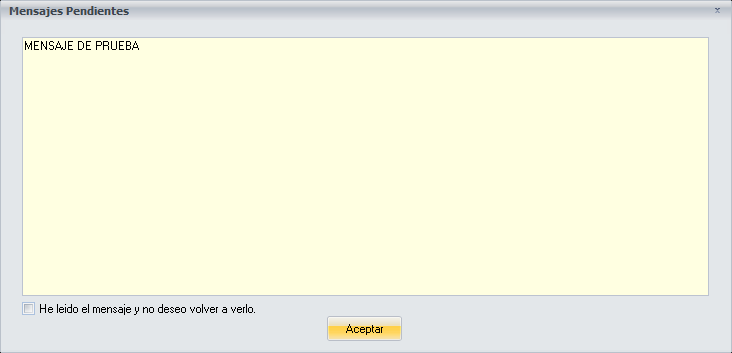
The message
It shows the message you configured on the Add/Modify Messages screen.
The message keeps appearing until the date you configured, unless it is validated: tick the option I have read the message and do not want to see it again and click Ok.
Buttons
- Ok: with the option I have read the message and do not want to see it again ticked, validates the message so that it does not appear again.