
Employee Payrolls
From this screen you generate the employees' payrolls: the payroll items of each employee and their amount.
How to get here: the Payroll button on the Employee's Master screen.
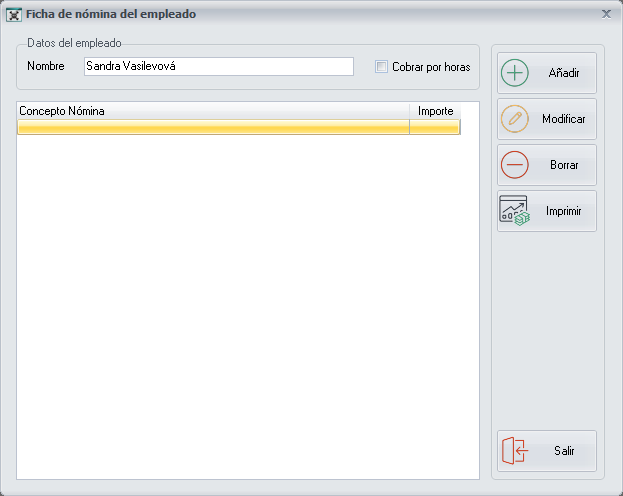
Payroll items
The central part shows the existing payroll items, created beforehand, with the corresponding amount.
Paid by the hour
If you tick the Paid by the hour option, PizzaGest calculates the amount the employee has to receive as the hours-worked item. It calculates it with the Clock In/Out and with the hourly price set in Jobs.
Buttons
They are on the right of the screen:
- Add and Modify: add or modify a payroll item in Add/Modify payroll items.
- Delete: deletes a payroll item.
- Print: produces a Report of the list of the existing payroll items.